
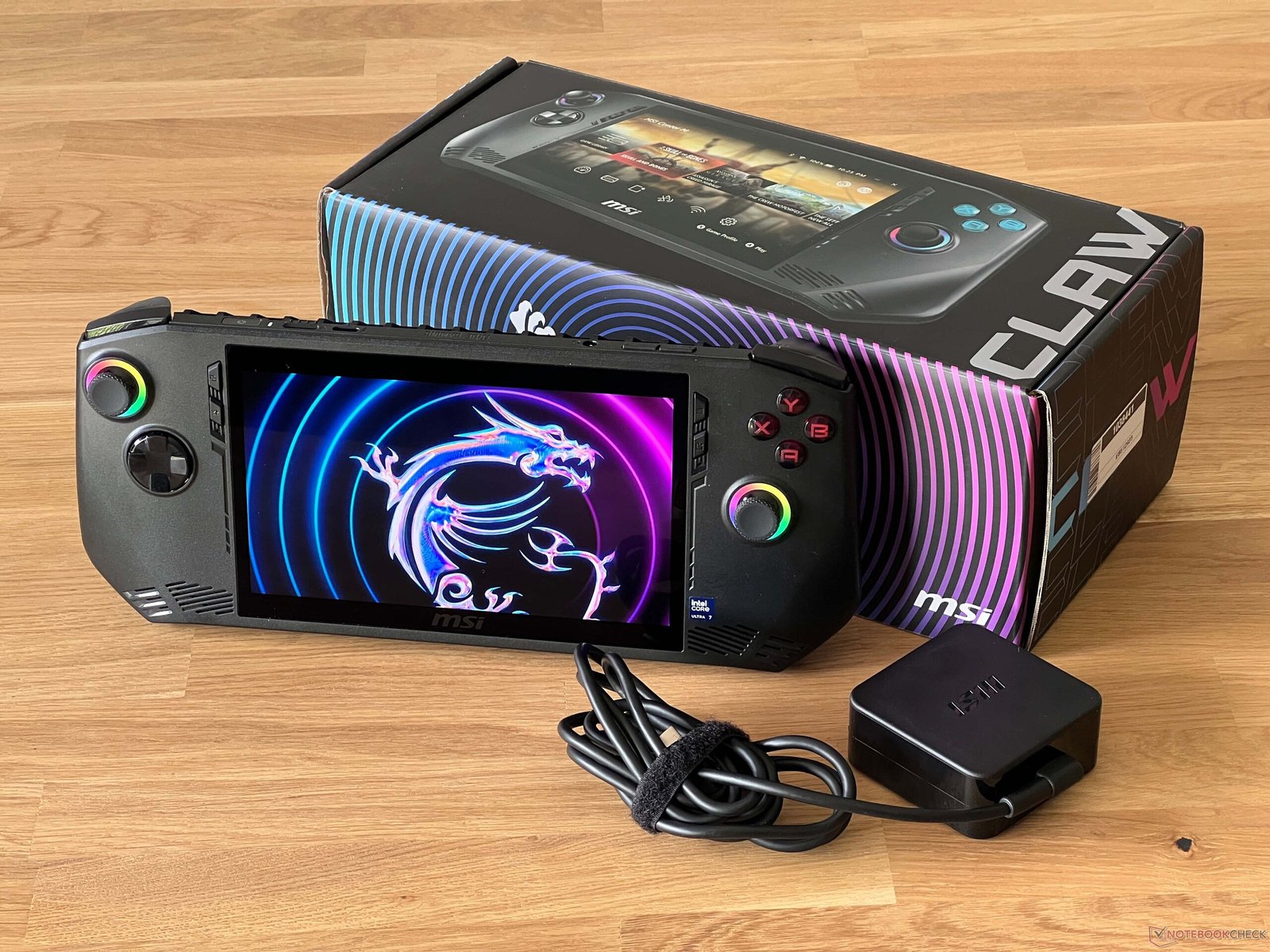
Yes! You can play GTA 5 on the MSI Claw, and it works much like a small Windows gaming PC. The experience depends on your graphics settings and performance expectations, but it’s fully playable.
1. Performance You Can Expect
The MSI Claw runs full Windows and has capable hardware for a handheld gaming PC, so GTA 5 will run smoothly under the right conditions.
- Medium graphics settings: Expect around 35–60 frames per second, which gives smooth gameplay in open-world driving and missions.
- High or Ultra settings: The device may struggle, dropping FPS into the 30–40 range. You’ll get better performance if you lower textures or reduce resolution.
- Plugged in vs battery: Playing while the device is charging helps maintain performance because it can sustain higher power for longer.
2. Graphics Settings Tips
To get the best experience on the MSI Claw:
- Resolution scaling: Reducing the resolution slightly improves frame rates.
- Texture quality: Set to medium for smoother performance.
- Shadows and reflections: Lower these settings to reduce lag in busy areas.
This balance lets you enjoy GTA 5’s open world without stuttering or slowdowns.
3. How It Compares
While the MSI Claw isn’t as powerful as a high-end desktop gaming PC, it handles GTA 5 well at medium settings. If you’re looking for a handheld gaming experience, it’s very capable for GTA 5 on the go.
✅ Bottom Line
- GTA 5 runs on the MSI Claw.
- Medium or balanced graphics settings provide the best combination of visuals and smooth gameplay.
- Ultra settings may be too demanding, but lowering resolution and textures makes it fully playable.